Email designer toolbox: Essential tools we use every day
Luis Cervantes
20 de diciembre de 2025
Lifecycle marketing moves fast. Between welcome series, browse abandonment, cart recovery, and all of the daily “batch and blast” campaigns, teams are expected to ship more with less. Litmus reports that 62 percent of email teams take two weeks or more to produce a single email, and it is common to have several sends in production at once.
A reliable toolbox is how high performing lifecycle teams keep quality high without slowing down. Here are the tools we use daily to design, build, and ship emails that look great and convert across the customer journey.
1. Core design tools, where every email starts
Strong lifecycle design depends on reusable systems, fast iteration, and a clean handoff into build. That is why your primary design tool matters.
Figma
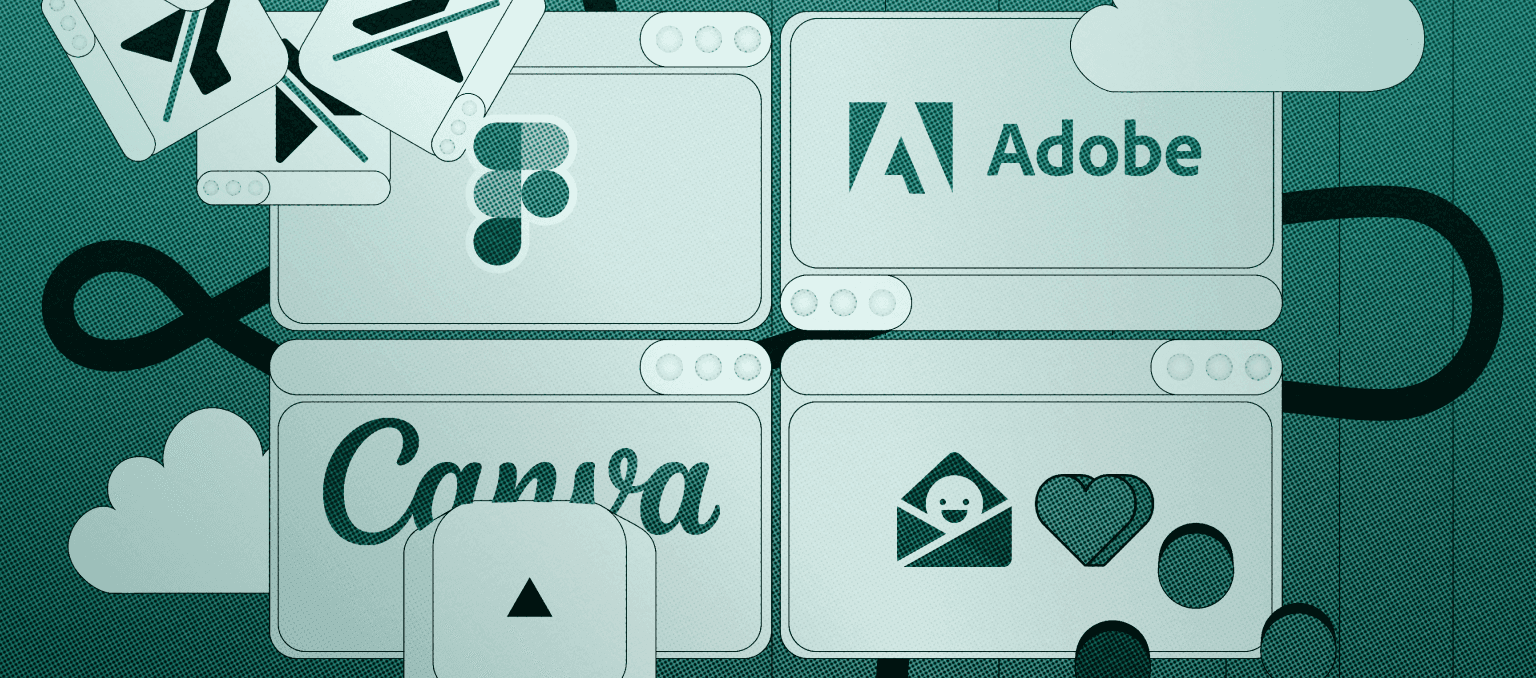
Figma is our default workspace for email design systems. It supports shared component libraries, quick versioning, and real time collaboration between designers, CRM managers, and copywriters. This is especially useful when you are scaling modular templates across multiple flows.Adobe Photoshop and Illustrator
We still rely on Adobe for complex image work, compositing, and detailed brand illustration. These tools are best for hero visuals in campaigns, seasonal launches, and any moment where the asset needs pixel level finesse.Canva
For quick variations, localized assets, or small creative updates, Canva is a strong helper, especially for teams without a dedicated designer.
2. Figma plugins that speed up production
Plugins are where Figma becomes a true lifecycle email engine. Here are the ones we touch constantly.
Lorem Ipsum
Fills layouts with realistic placeholder copy so structure is locked before final copy arrives. Great for flow design when you are mapping multiple sends at once.Iconify and Icon Duck
Fast access to clean icons for benefit rows, feature callouts, and navigation elements.Content Reel
Drops in sample product names, prices, and headlines so layouts reflect real commerce content early, which reduces rework later.Gifmock
Our daily tool for animation mockups. It turns Figma frames into smooth loops, lets you control timing, and exports optimized GIFs.
3. Imagery and asset optimization tools
Imagery can lift engagement, but only if it loads fast and renders correctly. Larger files or the wrong format can slow down mobile experience and hurt deliverability.
Background remover tools
Background removal inside Figma helps us create clean product cutouts in seconds, ideal for grids, bundles, and cross sell blocks.Compression and export discipline
We always export in the smallest acceptable size, usually compressed PNG or WebP for static imagery, and carefully optimized GIFs for motion. A good rule of thumb for GIFs is to keep them under about 1 MB so they load quickly on mobile and do not risk deliverability issues.
4. Skimmability tools and habits
Most subscribers scan emails, they do not read them line by line. Hierarchy and layout choices make scanning easier, which supports higher click through on core CTAs.
What we use to design for scanning
Modular systems in Figma to keep layouts predictable and easy to parse
Type scale and spacing tokens so every email follows the same reading rhythm
Annotation layers in Figma for copy emphasis, CTA priority, and mobile stacking order
This is less about a single tool and more about using your tools to enforce hierarchy, short blocks of copy, and clear CTAs every time.
5. Dark mode checking tools
Dark mode is now a default viewing experience for many users. Major clients like Apple Mail and Gmail support dark mode in different ways, including partial inversions that can break logos, icons, and background contrast.
How we avoid dark mode surprises
Email on Acid
This platform lets us preview emails across clients and modes, spot color inversions, and confirm contrast stays readable before launch.Design side safeguards
We use dark mode safe colors, transparent PNGs where needed, and paired background layers so key elements do not disappear after inversion. For another solid deep dive on dark mode pitfalls and fixes, Chamaileon has a clear guide worth bookmarking.
6. Inspiration libraries
Efficient designers reuse what works.
Really Good Emails and Email Love
We use these galleries to stay close to current eCommerce UI patterns, animation treatments, and layout trends.Your own performance library
We keep a living library of top performing modules by lifecycle stage, like welcome, cart, post purchase, and winback. This is the fastest path to consistent conversion gains.
Summary
A strong email designer toolbox is not about having every tool, it is about having the right few that reduce friction across lifecycle production. With a system led design tool like Figma, a tight plugin set, disciplined imagery optimization, skimmability focused layout habits, dark mode QA, and careful motion testing, teams can ship more emails without sacrificing quality.
If you want help tightening your stack, building modular templates, or speeding up lifecycle execution, Scalero can plug in wherever you need us.