From doodle to code: How Figma and Claude are changing the way designers create
There's a version of this story that starts with someone who just wanted to create things. Something tangible, something real. Ideas that lived in their head for too long, waiting for the right tool to bring them to life.
That moment came with Figma. Everything in one place. Real collaboration. Feedback that actually lands. The kind of tool that doesn't just change your workflow but changes the way you think about what's possible as a designer.
And now, with AI fully in the picture, it feels less like a design tool and more like a superpower. One that just got a serious upgrade.
Figma and Anthropic: when design and AI speak the same language
Recently, Figma and Anthropic announced a new integration that connects Claude directly to the Figma canvas. The idea is simple but kind of mind-blowing: the gap between code and design just got a whole lot smaller. What you build in one place can now live and be edited in the other, without starting over, without losing layers, without the usual back and forth that slows everything down.
No more copy-paste handoffs. No more rebuilding from scratch because the developer prototype and the design file don't talk to each other. For the first time, code and canvas are genuinely speaking the same language.
As someone who uses Figma every single day, for email design, for building design systems for clients, for internal tools at Scalero, this feels like the next gear clicking into place.
What is vibe coding, and why should designers care
If the term is new to you, you're not alone. Vibe coding is a way of working with AI tools where you lead with intention rather than syntax. You don't need to be a senior developer to benefit from it. You describe what you want, you feel your way through it, and you iterate based on what looks and feels right rather than what you technically know how to write.
For designers specifically, this is huge. It's the chance to bring ideas to life without waiting on a developer, without learning an entirely new craft, and without losing the creative instinct that makes design work in the first place.
For me, it's like being a Frankenstein of the digital world, but in the best possible way. You're stitching together ideas, prompts, and tools and out comes something that actually works. You don't need to be an engineer. You need to have a vision and the curiosity to chase it.
This is exactly the energy that tools like Figma Make have been building toward. With Make, you type a prompt and get a working prototype. You experiment. You break things and fix them. You feel like a genius at 2pm on a Tuesday. That feeling? That is vibe coding.
And now with Claude Code to Figma, that loop is even tighter. You can start in code, end on the canvas, and never lose context.
From doodle to code: how to actually start playing with this
Okay so here's the part where I tell you what this looks like in practice, and also tell you there's no wrong way to begin.
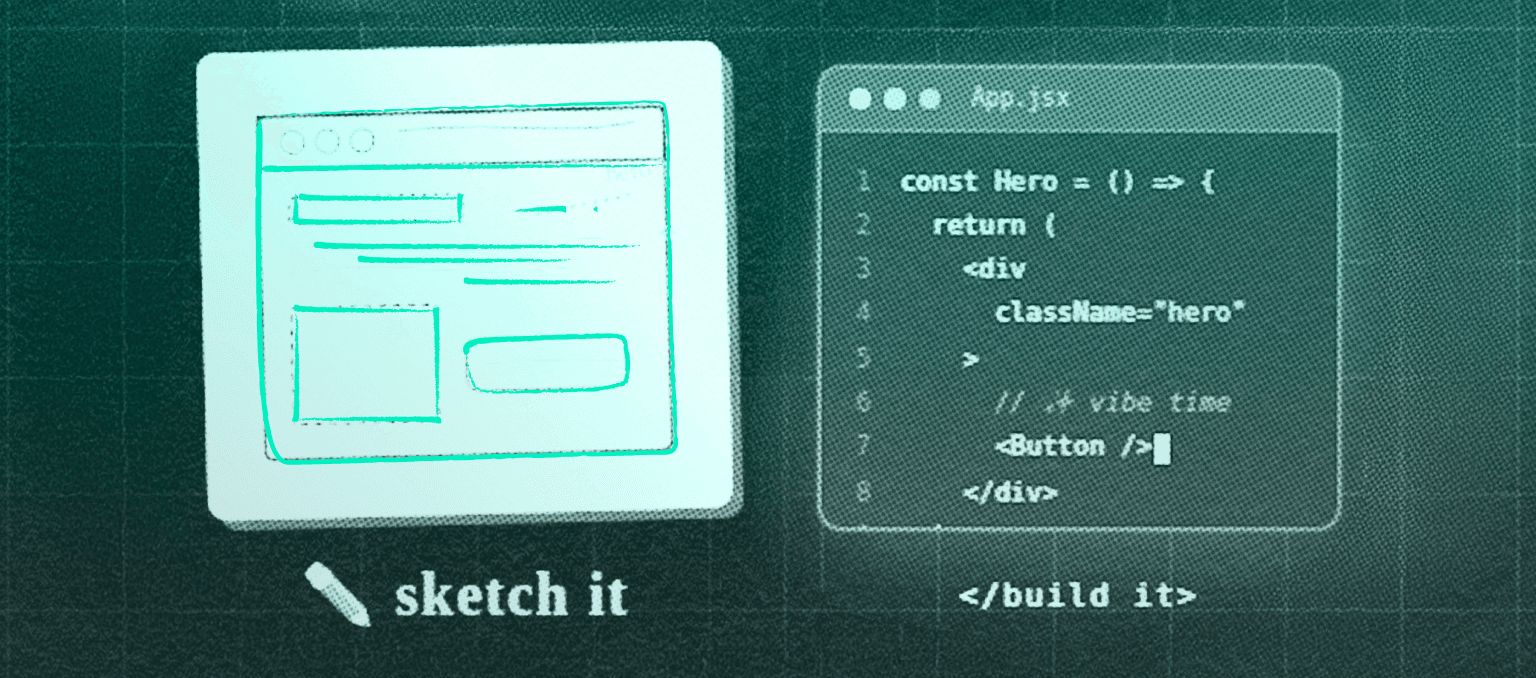
The simplest starting point is Figma Make. Open it up, describe something you want to build, and watch it generate a working prototype. It does not have to be sophisticated. Start with something small. A card component. A simple form. A button that does something satisfying. The goal at this stage is not to ship anything. It's to break the mental block between "I'm a designer" and "I can't touch code."
Once you have a prototype you like, you can copy it straight onto your Figma design canvas with the Copy Design feature. From there it's yours. Edit it, apply your design system, share it with your team.
If you want to go the other direction and start from code, that's where Claude Code comes in. Prompt it to build an interface, and once you have something working, use the new Claude Code to Figma integration to pull it into your canvas. Same outcome, different starting point. Both are valid. Both are fast.
There's also the FigJam side of things. If you're more of a whiteboard-first thinker, you can now use Claude directly inside FigJam to turn your rough diagrams and notes into structured visual flows. Great for when the idea is still half-formed and you just need to externalize it before it disappears.
Why this matters for email and lifecycle design specifically
At Scalero, we live in Figma. It's where email designs are born, where design systems for clients take shape, where we figure out what a component library should look like before a single line of code is written.
What excites me about these new AI workflows is not just the speed. It's the ability to prototype and test ideas that before would have required a developer to touch. Want to explore a new modular layout for a campaign? Prompt it. Want to see three variations of a design system component side by side? Build them in minutes and compare them on the canvas.
The handoff between design and development has always been the most fragile part of the process. When design and code can speak the same language inside the same tool, the whole lifecycle gets tighter. And for teams that are responsible for shipping emails at scale, that matters more than almost anything.
The thing about creating
The best tools don't just speed up the work. They open doors that feel permanently closed. Figma did that for a whole generation of designers. Claude and the AI layer being built around it are doing it again, just faster, and for a lot more people.
The ideas you've been sitting on? The components you never had time to prototype? The workflows that always needed a developer to touch? That list is getting shorter. And that's worth paying attention to.
If you're thinking about what AI-assisted design workflows could mean for your email program or design system, we'd love to talk. Reach out to Scalero and let's figure it out together.