Why we built an AI email slicing plugin for Figma and Klaviyo
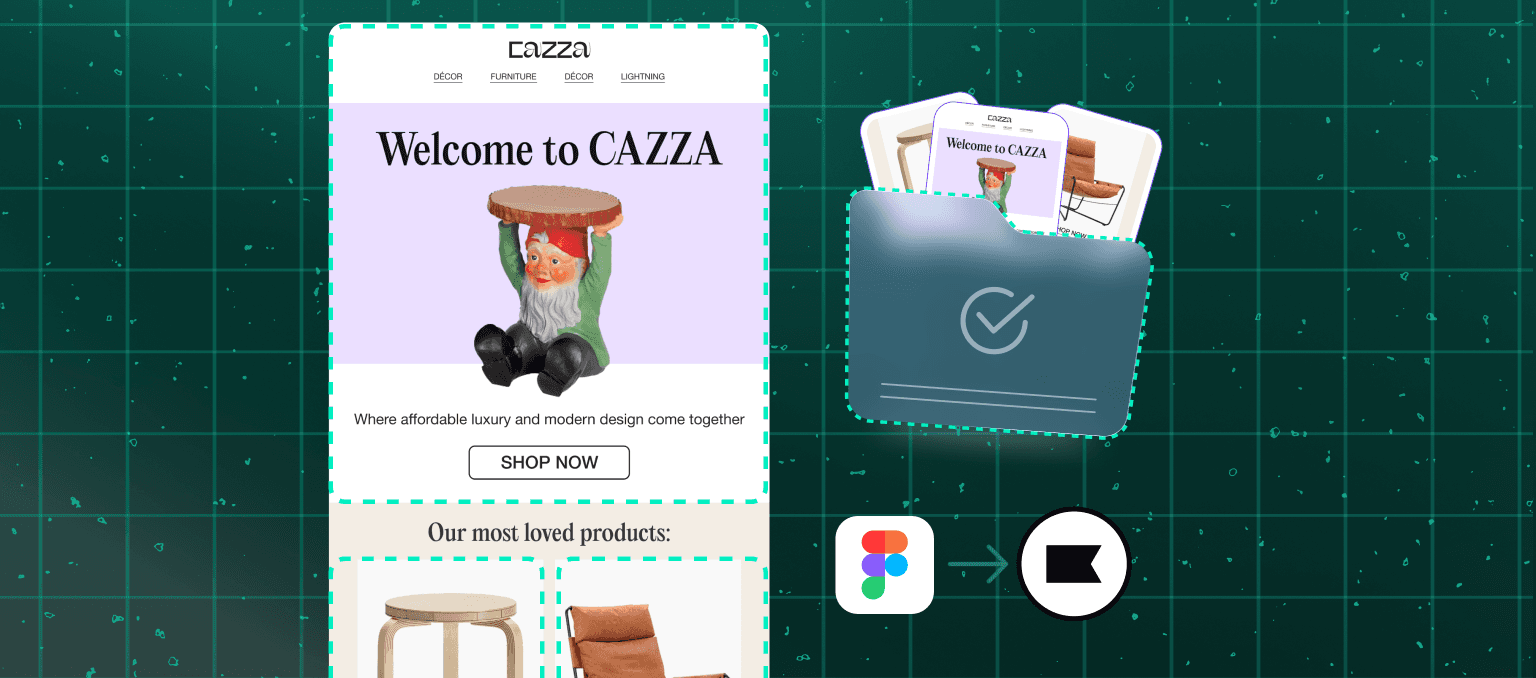
Bridging the gap with AutoSlice
AutoSlice for Email started from a pretty simple observation: a lot of teams are still building image-based emails in Klaviyo drag-and-drop, and the workflow is exhausting.
At Scalero, we spend most of our time helping companies build lifecycle marketing systems. In many cases, that means highly engineered HTML emails with reusable modules, dynamic content, and sophisticated data logic. If we were designing the “perfect” email production workflow from scratch, image slicing probably would not be it.
But over time, we stopped fighting clients on how they want to work.
A surprising number of teams, especially lean ecommerce teams, genuinely like designing in Figma and assembling campaigns visually inside Klaviyo. The problem is not the creative workflow itself. The problem is the enormous amount of repetitive UI labor required to move from a finished Figma frame to a completed drag-and-drop email.
That gap is what led us to build AutoSlice for Email and publish it on the Figma Community.
Today, it can easily take 200–300 clicks to go from:
a finished email design in Figma
to a fully assembled Klaviyo drag-and-drop email
That process usually looks something like this:
Draw slices manually
Fix tiny alignment issues
Export assets -> Rename files
Switch to Klaviyo -> Drag image blocks
Upload assets one... by... one... (wait for progress bars)
Copy/paste links
Copy/paste alt text
Fix accidental spacing
And then? You realize one slice is wrong.
Back to Figma
Re-export
Re-upload
None of these steps are intellectually difficult. They are just repetitive. And repetition creates fatigue.
One thing we have noticed working in lifecycle marketing for years is that “workflow exhaustion” is real. By the time someone is clicking through the 180th repetitive UI interaction of the day, focus starts to disappear. Mistakes happen. Tiny issues sneak into production. Work slows down not because the task is hard, but because the human brain is not built for endless repetitive interface work.
We built AutoSlice because we thought there had to be a better middle ground.
The plugin uses AI to automatically determine image hit zones directly from a Figma frame, then uploads them into Klaviyo drag-and-drop format in one flow. The goal was to reduce operational friction while preserving the workflow many marketers already prefer.
Benefits of the plugin
Instead of trying to force teams into a completely different production model, we asked: What if we simply got rid of the exhausting parts?
In practice, we think the workflow moves closer to:
20–50 interactions instead of 200–300
minutes instead of half an hour or more
reviewing instead of babysitting uploads
The biggest benefit is probably not even the raw time savings. It is maintaining momentum and concentration.
There is a huge difference between:
staying immersed in a creative workflow
versus constantly context-switching between export dialogs, upload windows, and repetitive form entry
We also intentionally designed the plugin around how real teams already work:
Figma stays the source of truth
Klaviyo drag-and-drop stays the assembly layer
marketers still retain full control
the tedious middle layer disappears
Closing thoughts
In some ways, AutoSlice reflects a broader shift in how we think about tooling at Scalero.
Earlier in our agency’s history, we often approached workflows by trying to steer teams toward what we considered “best practice.” Over time, we realized the more pragmatic approach is often:
understand how teams already operate
remove friction to lower cognitive load
reduce exhaustion and simplify interaction
preserve creative velocity
Sometimes innovation is not replacing a workflow. Sometimes it is respecting the workflow and making it dramatically less painful.
That is really why we built AutoSlice.


