
Save 10-15 minutes per build
ESP-ready assets
Reduce errors

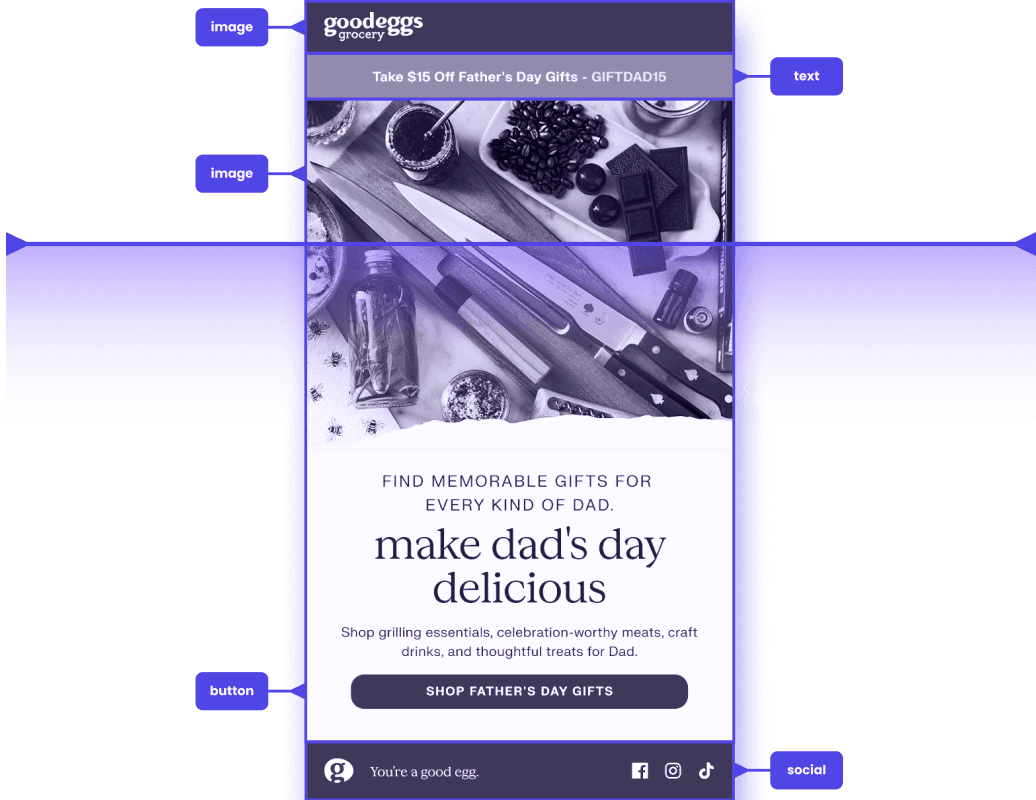


Supported destinations

Downloads
Direct export
Downloads
Slice images → no download
Slice images → download images
Slice images → HTML download
Rich layout → MJML download
Rich layout → HTML download

Customer.io
Email Marketing
Customer.io
Slice images → Design Studio
Rich layout → Design Studio
Klaviyo
Email Marketing
Klaviyo
Slice images → drag-and-drop editor
Rich layout → drag-and-drop editor
Pricing





Let's do this
Scalero can help you with your email and lifecycle needs, no matter your team or tech stack.
Or send an email to hello@scalero.io to let us know what you need.